Cybersecurity toolkit

Trusted help, quick actions, and visual safety sheets.

Use this page when you need official guidance, a video explanation, or a fast recovery checklist.

Trusted Tool Categories

Pick the category that matches the problem. Each card keeps the description short and action-focused.
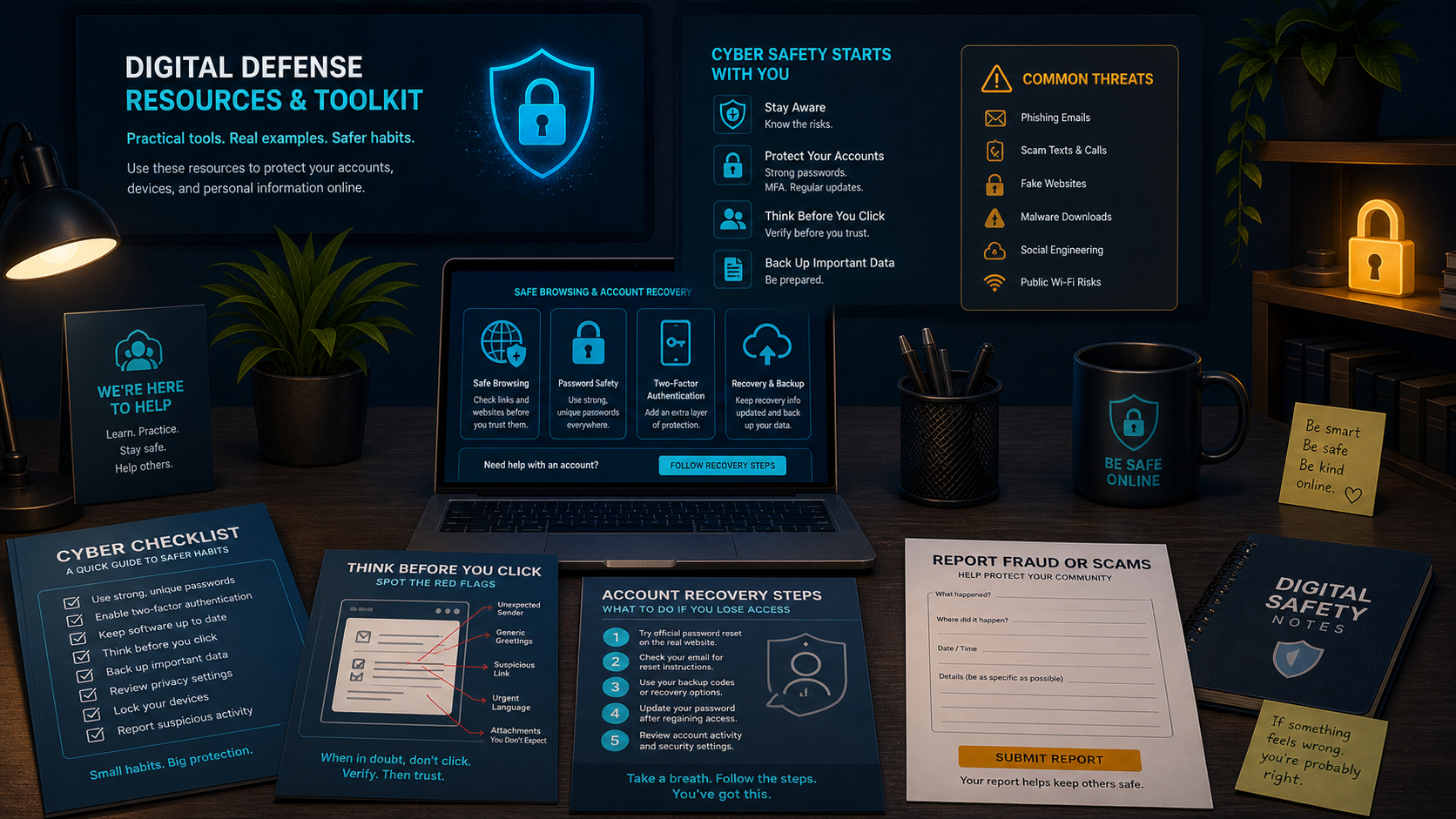
Dark cybersecurity resource toolkit illustration with safety checklists and recovery steps.
Resource toolkit mapChecklists, recovery steps, and official reporting links work best when they are easy to find before a crisis.
GOV

Government and Recovery

Use official sites for fraud, identity theft, and public safety guidance.

CISA Secure Our World

Simple public cybersecurity habits.

Use for awarenessVisit

FTC Consumer Advice

Scam, fraud, and consumer safety help.

Use for scamsVisit

IdentityTheft.gov

Step-by-step identity theft recovery plan.

Use after identity theftVisit

ReportFraud.ftc.gov

Report scams and fraud to the FTC.

Use after fraudVisit
KEY

Password Managers and MFA

Make strong account protection easier to maintain.

Bitwarden

Free-friendly password manager software for beginners.

Password managerVisit

1Password

Polished password manager with family options.

Family useVisit

Authenticator Apps

Use Google, Microsoft, or another trusted authenticator.

Second proofLearn MFA
WEB

Browser and Email Safety

Reduce dangerous ads, fake pages, and surprise downloads.

uBlock Origin

Software that locks many ads and malicious redirects.

Browser securityVisit

Safe Browsing

Make sure to keep your browser warnings and updates enabled.

Daily habitLearn

Phishing Checks

Check sender, link, request, and emotion before clicking.

Scam defensePractice

Quick Action Guides

Use the guide that matches the situation. Each one is built for fast decisions.

Think You've Been Hacked?

1Change password
2Enable MFA
3Check recovery info
4Review logins
5Report if needed

Suspicious Message?

1Do not click
2Check sender
3Inspect link
4Open official app
5Report spam

Money Sent to a Scammer?

1Call bank
2Save proof
3Report fraud
4Freeze cards
5Watch accounts

Expandable Resources

Open quick safety sheets in a popup without leaving the toolkit.

Safety sheet

Resource

Emergency Help Center

Use official recovery links. Avoid anyone who promises account recovery for a fee.

Report and Respond


1Contact bank or platform.
2Save screenshots and receipts.
3Report fraud or identity theft.
4Tell a trusted adult, school, or support team.